Field
Meters, controllers, drivers, sensors and tags on the site, each speaking its own protocol.
- BACnet and Modbus devices on LAN and RS-485
- DALI lines behind a gateway or controller
- KNX rooms, LoRaWAN sensors, BLE tags
Field protocols in, one tag model in the middle, dashboards, alerts and an API out. Here is the whole path and the ways it can be deployed.
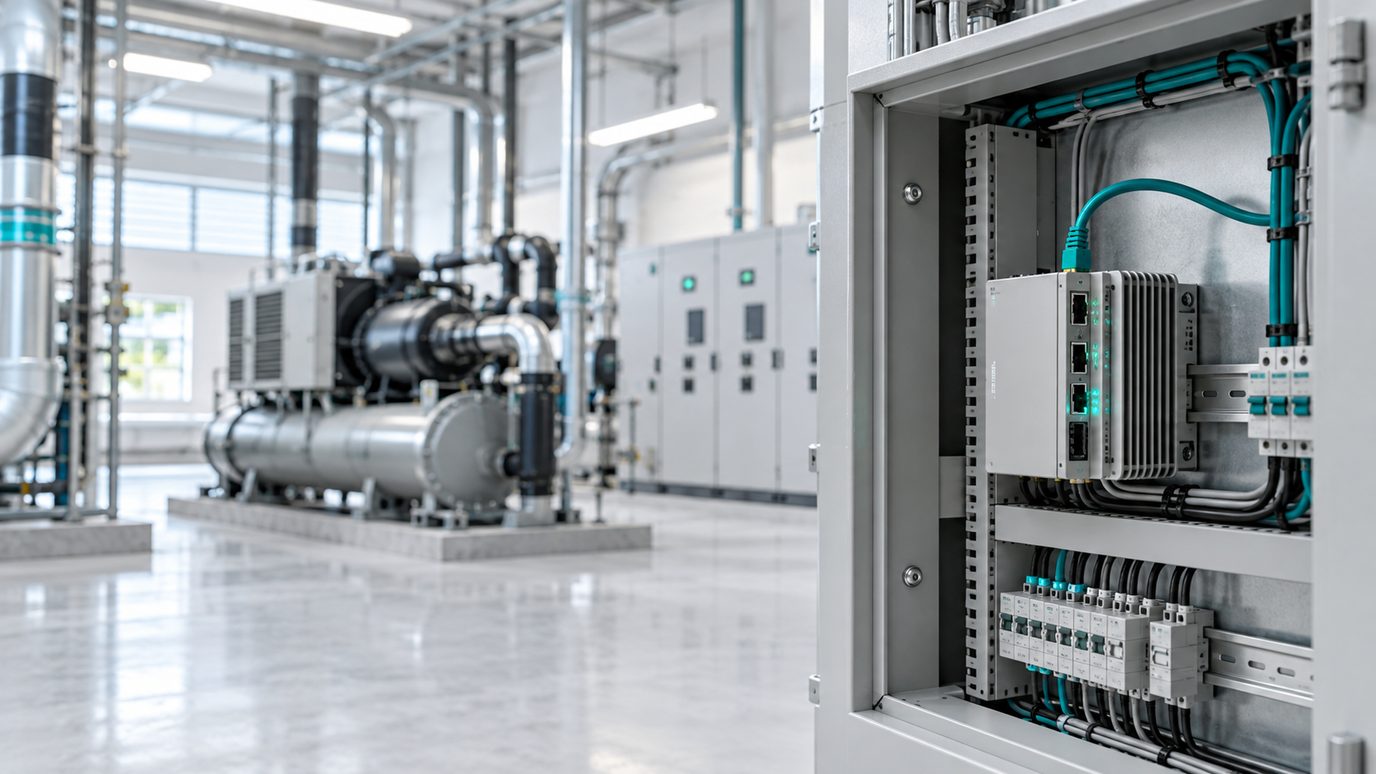
Meters, controllers, drivers, sensors and tags on the site, each speaking its own protocol.
Protocol drivers run where the wires are. Serial and local networks never need to reach the internet.
Every reading becomes a tag with a name, unit, timestamp and quality flag, placed in your hierarchy.
History, dashboards and alerts are built once and work for every protocol. Data leaves through the API.
| Source | Native Address | Normalized Tag | Value | Unit |
|---|---|---|---|---|
| BACnet AHU Supply Temperature | Device 2001, AI 3, present value 18.4 | site.tower-a.ahu-02.supply-air-temp | 18.4 | degC |
| Modbus Meter Active Power | Unit 12, holding register 40013, scale 0.1 | site.plant.mcc-1.meter-12.active-power | 92.6 | kW |
| DALI Luminaire Dim Level | Line 2, short address 14, via gateway | site.office.level-3.zone-b.luminaire-14.dim-level | 80 | % |
| LoRaWAN Cold Room Temperature | devEUI ...4F2A, port 2, bytes 00 18, scale 0.1 | site.store.cold-room-1.shelf-top.temperature | 2.4 | degC |
Illustrative examples. Tag names follow your own hierarchy, and the native addresses come from your device manuals and ETS project.
Drivers on a gateway at the site, storage and dashboards in the cloud. The usual choice for buildings and plants with serial or local-only networks.
The platform on a server in your own network, for sites that must keep data inside the fence. Available on request and scoped per project.
For sources that are already on IP: an MQTT broker, a LoRaWAN network server or a BACnet/IP network reachable over a secure link.
A mix per site: gateways where there are wires, cloud reads where there are brokers, all in one tag hierarchy.
In the cloud account, on an on-premise server, or both, depending on the deployment model you choose. The tag model and the tools are the same in each case.
With an edge gateway, readings are held on disk at the site and sent in order when the connection returns, with their original timestamps. Without a gateway, cloud-only sources pause until the link is back.
Yes. A pilot usually starts with one gateway or one IP source at one site. More devices, protocols and sites are configuration inside the same hierarchy.
Tell us which protocols are on site. We will scope a pilot that reads your real devices.