Modbus Register Maps
Addresses, data types, byte and word order, and scaling for every Node on a meter, drive or controller.
A Device Template captures a device model: its Nodes, scaling, units and quirks. Apply it to every identical device on every site.
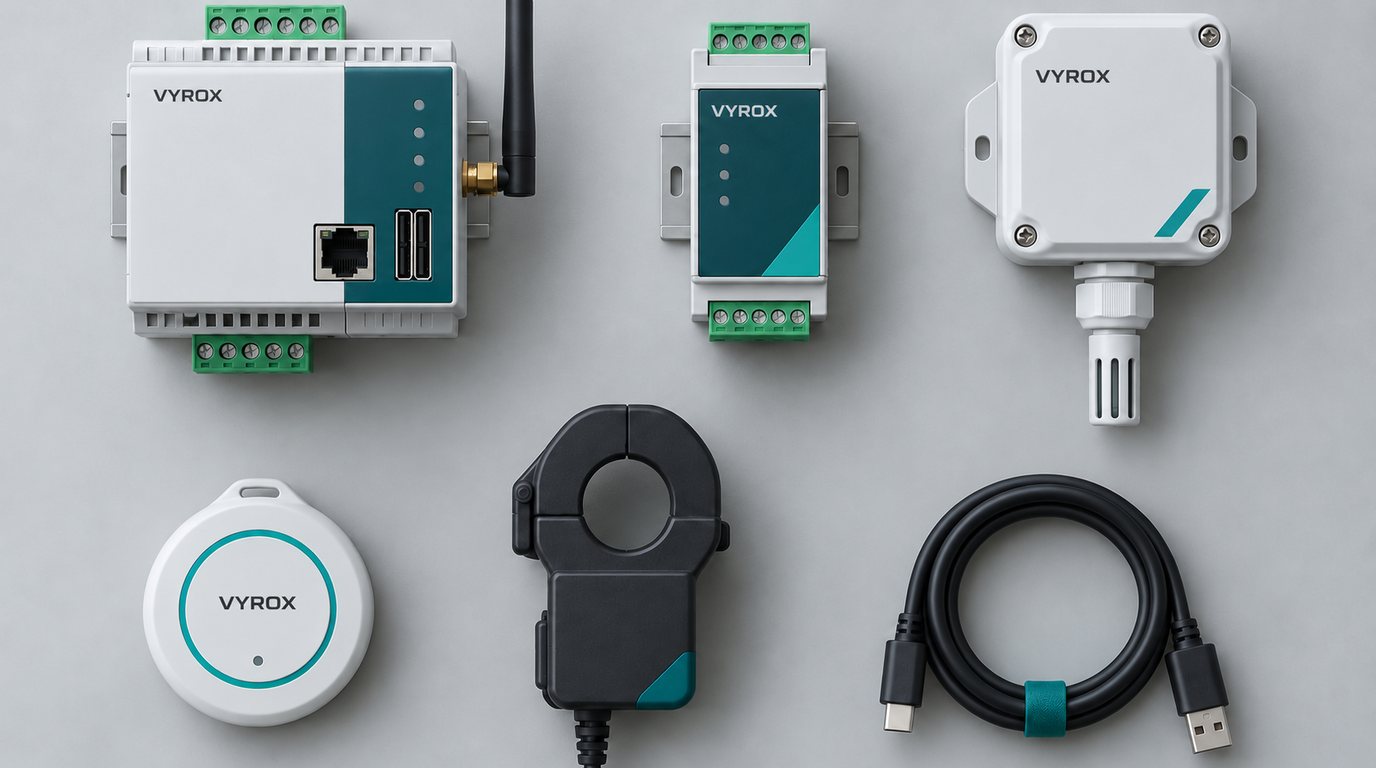
Most of the work in an IoT project is understanding one device model: which register is which, how a payload is laid out, what a KNX group address means. A template records that once, so the second and the hundredth device are configuration, not engineering.
Addresses, data types, byte and word order, and scaling for every Node on a meter, drive or controller.
Pick a supported sensor model and its register map arrives ready-made, with units and scaling already set.
Ready-made models include the PTB Radar Level Meter, the LQT2485M RS-485 temperature transmitter, the FS-TH02 temperature and humidity sensor and the Controller8 relay board, with more added on request.
Receive LoRaWAN sensors through ChirpStack or The Things Stack on AS923, with ready decoders for common models.
Ask for a model to be added to the catalogue from the console, and follow the request until it is ready.
Choose a model, an address and a port, and the wizard fills in every Telemetry Point and Control Point.
Import a list of Nodes from a CSV file, with a preview and an error for each row. The whole file imports, or none of it does.
One decoder per sensor model turns raw bytes into named values, with battery and signal health.
Map GATT characteristics and advertisement fields to tags, and filter out unknown devices.
Apply the same template to every identical device on every site.
Run a test read against a known value before a template is rolled out to a whole site.
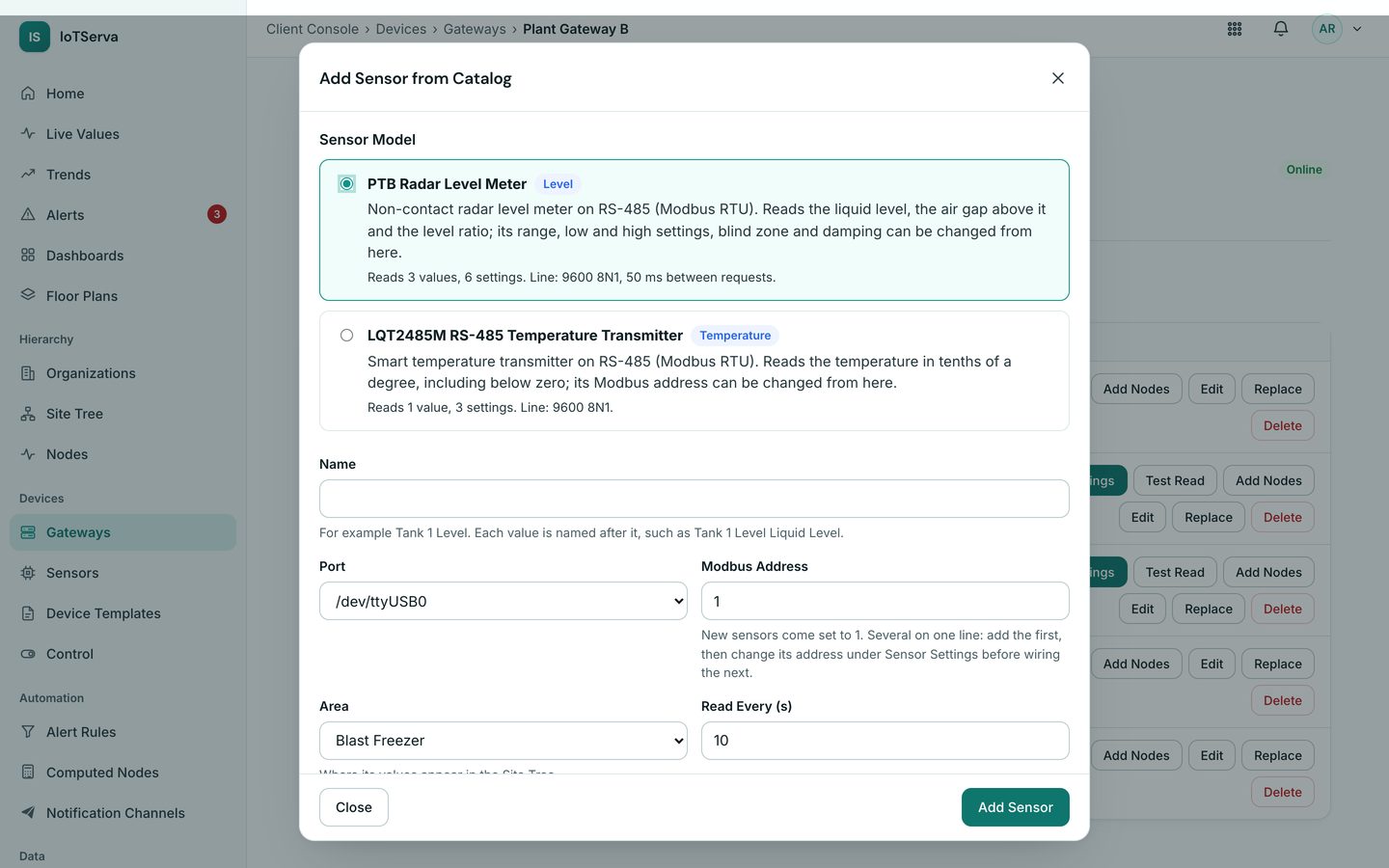
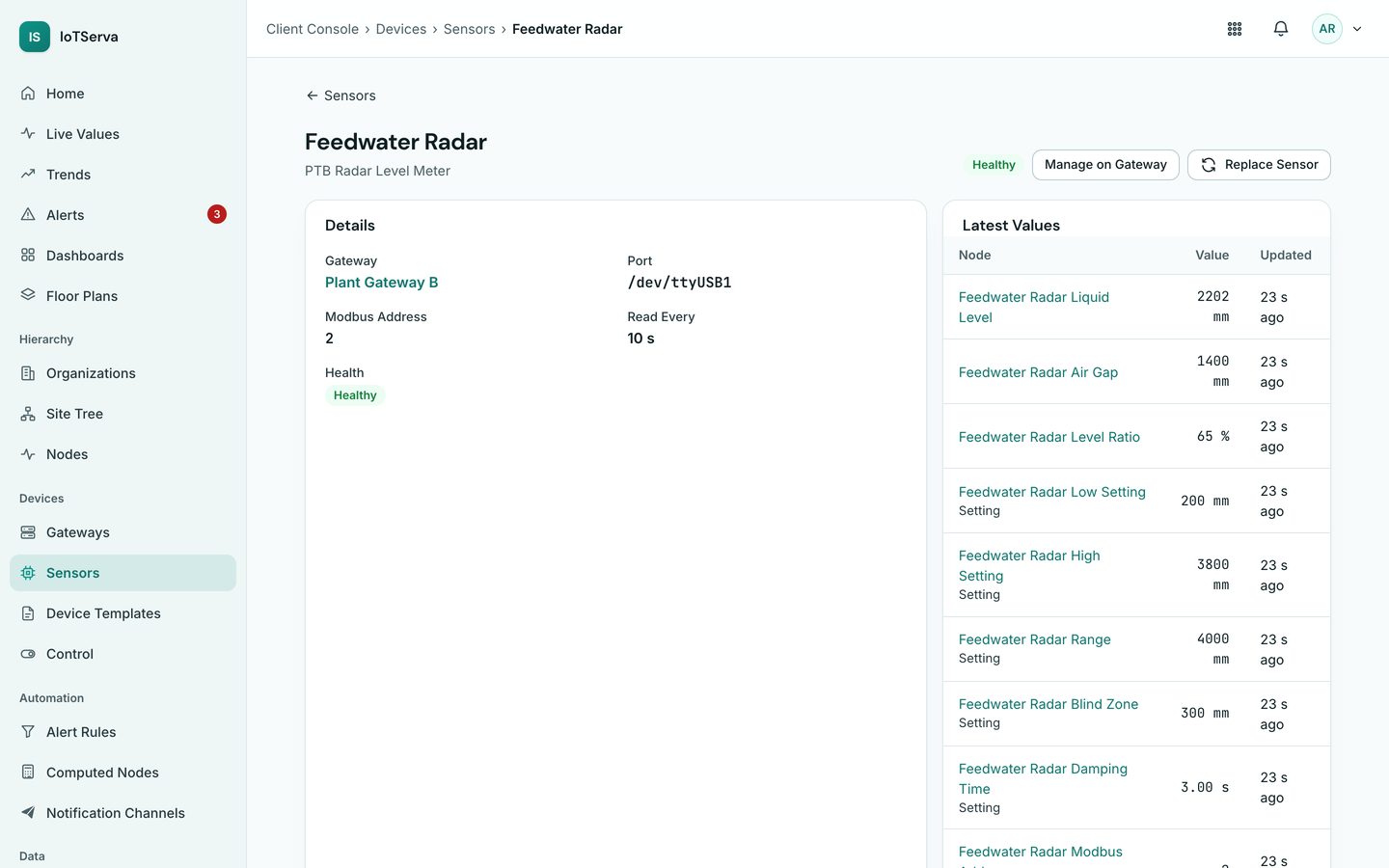
Screens from the live IoTServa software with a demo company and demo data.
Not for sensors in the built-in Sensor Catalog. For other models you can, or send the device manual and the engineering team will build and verify the template.
Yes. A template belongs to the device model, not the site, so identical devices anywhere reuse it.
See VYROX Hardware or Read the Protocol Guides
Tell us which protocols are on site. We will scope a pilot that reads your real devices.