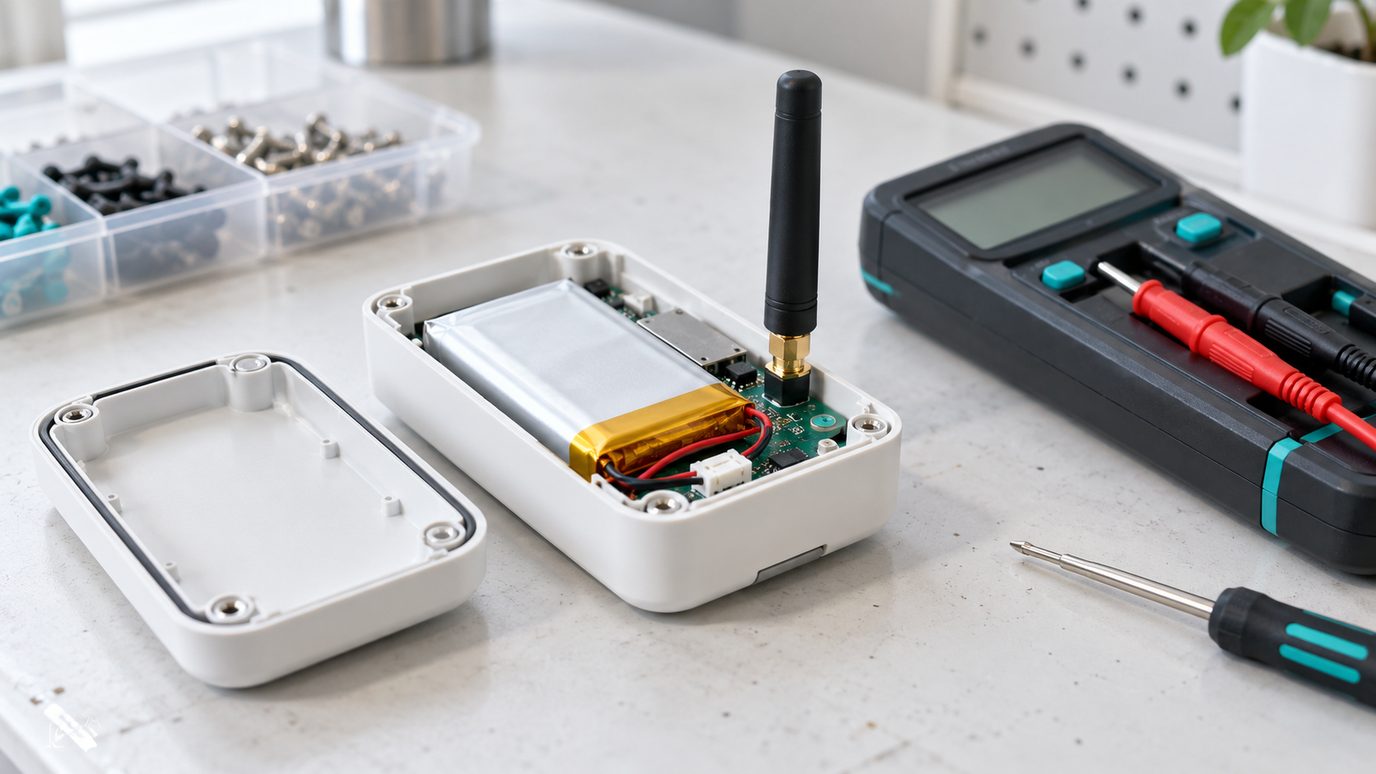
Report less often, keep payloads small and let the network choose the data rate. Then alert on battery level long before a sensor dies.
What Drains a Sensor
A LoRaWAN device spends almost all of its life asleep. Energy goes mostly into transmitting, and each transmission costs more at a slower data rate (higher spreading factor) and for a longer payload. Listening windows after each uplink add a smaller cost.
Interval Is the Biggest Lever
Doubling the report interval roughly halves transmit energy. A temperature in a cold room rarely needs a reading every minute. Choose the slowest interval that still catches the events you care about, and send alarms as extra uplinks when a threshold is crossed.
Spreading Factor and Airtime
Spreading factors from SF7 to SF12 trade range for airtime. The same payload takes many times longer to send at SF12 than at SF7, which costs battery and uses the shared airtime that regional rules limit. Adaptive data rate (ADR) lets the network move stationary devices to the fastest rate their link allows.
Payload Size
Each extra byte adds airtime. Send compact binary payloads and decode them in a profile, rather than text. Combine several readings in one uplink instead of sending them separately.
Monitoring Battery Health
Many devices report battery level or voltage in their payload. Trend it and alert well before the end, and alert on silence too, because a dead sensor sends nothing at all. Replace batteries on a schedule derived from the trend, not after a loss.
Common Questions
How long does a LoRaWAN sensor battery last?
It depends on the device, interval and data rate. Years are common at relaxed intervals and good data rates. Trend the reported battery level and alert in good time rather than relying on a datasheet figure.
What is ADR in LoRaWAN?
Adaptive data rate. The network server tells a stationary device to use the fastest data rate and lowest power its link supports, saving battery and airtime.