Five Kinds of Trigger
Run when a reading arrives, when a status changes, on a schedule (every few minutes or a cron pattern), when an alert changes, or only when someone presses Run.
Build Rules that watch any Node, Area or Site, decide with clear conditions, and act: raise an alert, email, show a popup, write a Control Point, call a webhook, open a Work Order or run another Rule.
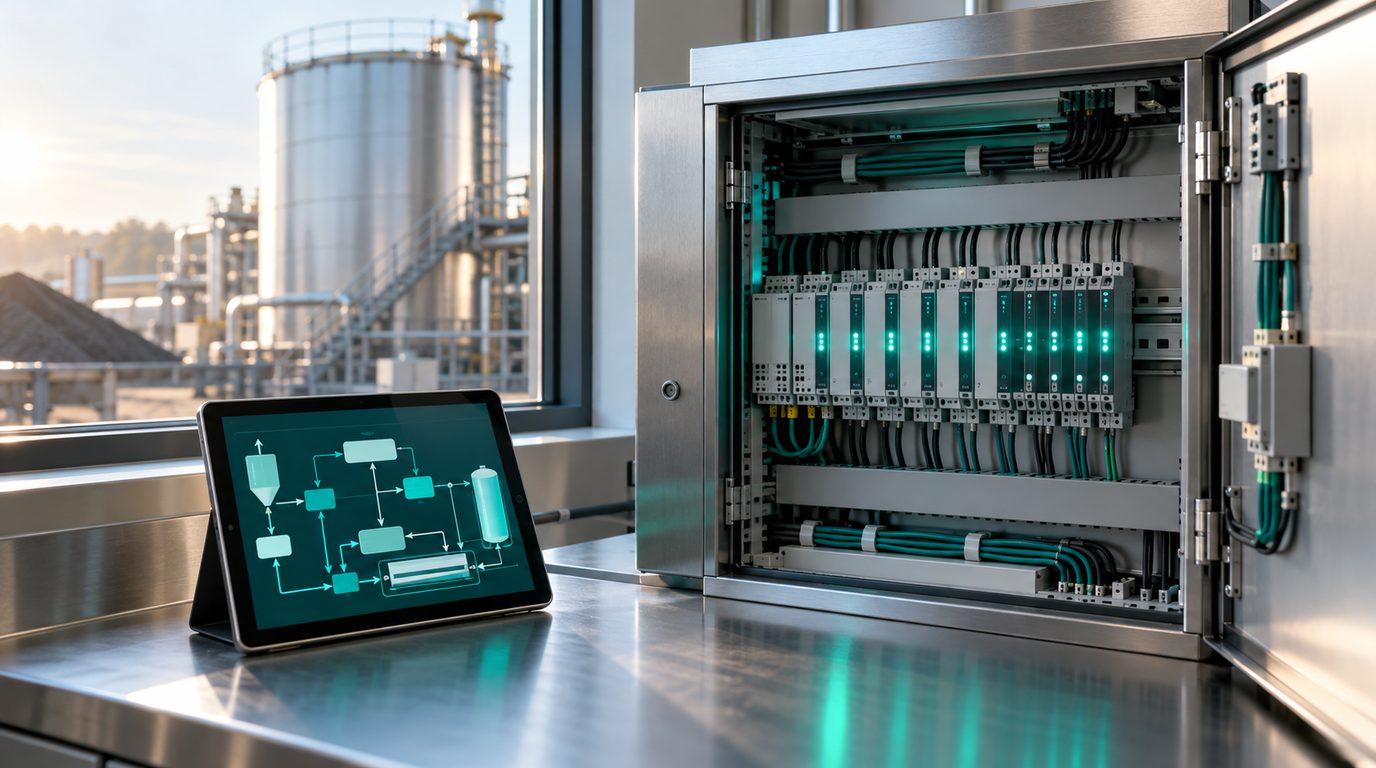
Most sites already know what should happen when a tank runs hot or a pump goes quiet. A Rule writes that knowledge down once, in plain words, and runs it every time, with a test before it goes live and a record of every run afterwards.
Run when a reading arrives, when a status changes, on a schedule (every few minutes or a cron pattern), when an alert changes, or only when someone presses Run.
Apply a Rule to one Node, a chosen list, every Node of a model or preset, every Node in an Area or Site, or every Gateway.
Above, below, between, outside, equals, contains, has changed, changes faster than, no new data for, bad quality, status is, within a time window and has an open alert, grouped with All and Any, with a hold time and hysteresis.
Raise Alert, Send Email, Show Popup, Notify via Channel, Write Control Point, Call Webhook, Set Variable, Create Work Order, Run Another Rule and Escalation, up to ten per Rule.
Give any action a delay of up to 24 hours, for example switch relays on now and off again a moment later, and choose whether it still runs if the condition clears first.
Test a Rule against current values, simulated values, or a replay of the last 24 hours or 7 days, before it is switched on.
Every save is a version you can restore, and every run is recorded with the values it saw and what each action did.
A Rule acts with the rights of the person who switched it on, re-checked on every run. Cooldowns, a maximum runs per hour and a chain limit of five stop runaway loops.
Keep a counter or a mode in a Variable that other Rules can read, for example a pump duty that alternates every run.
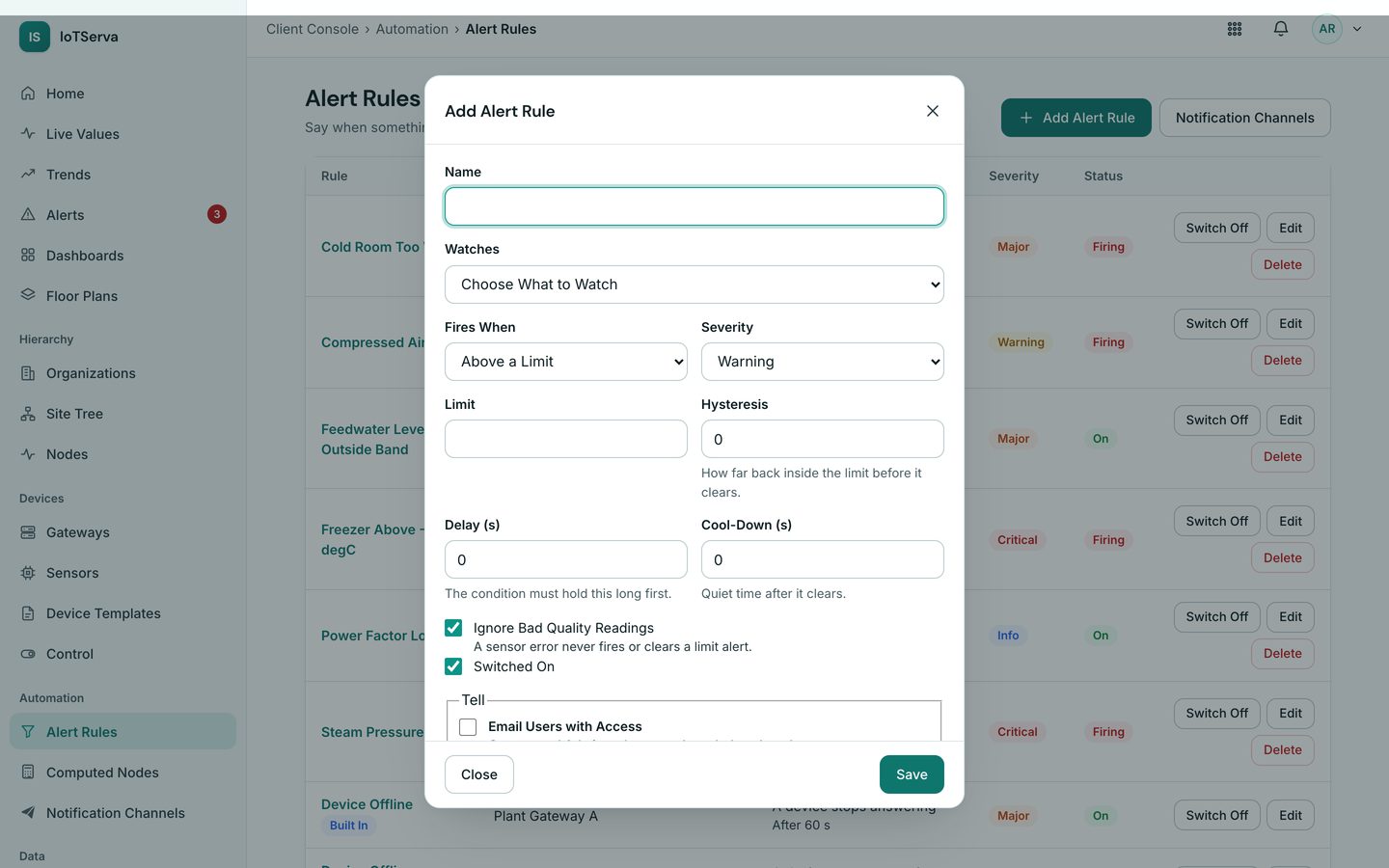
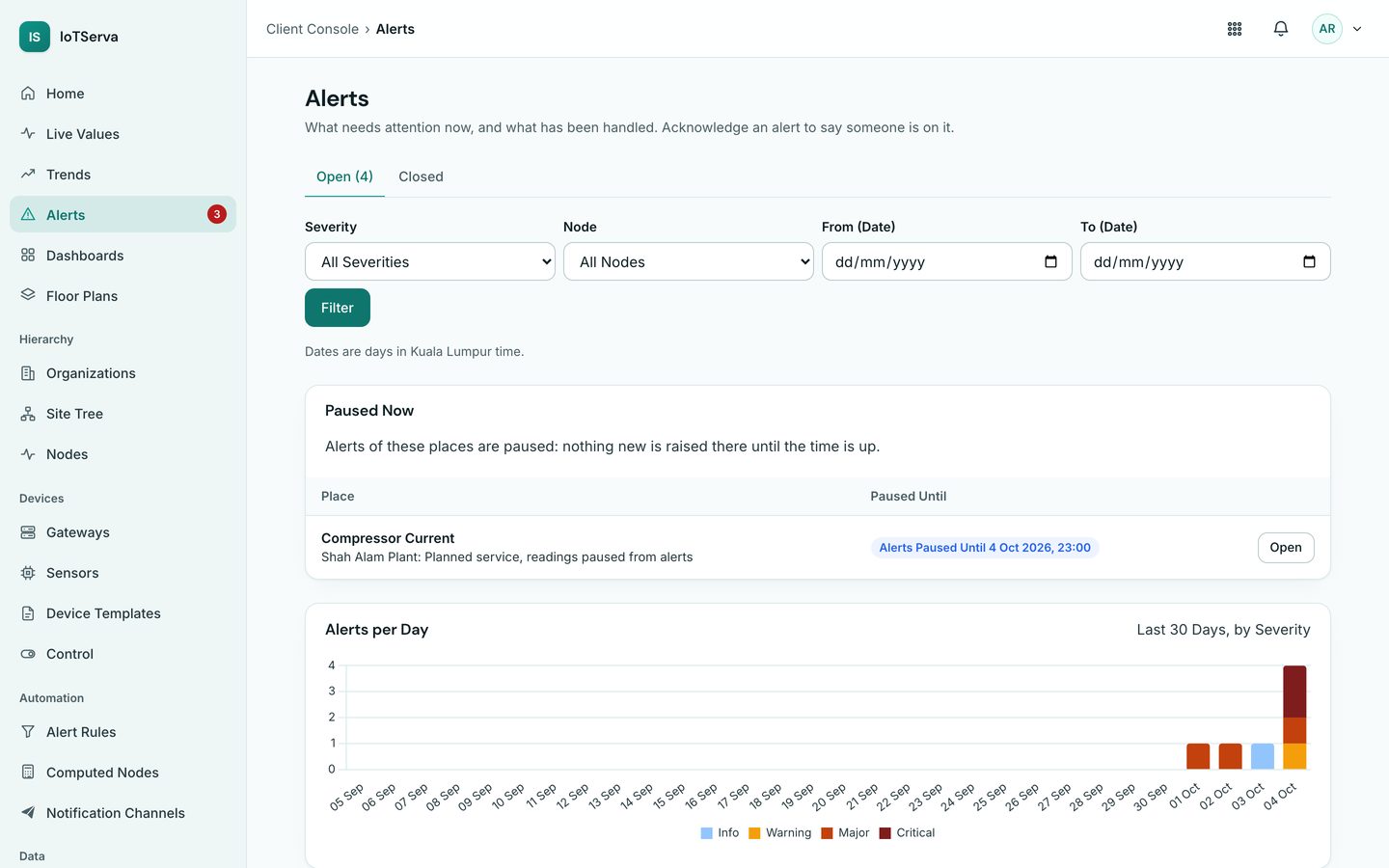
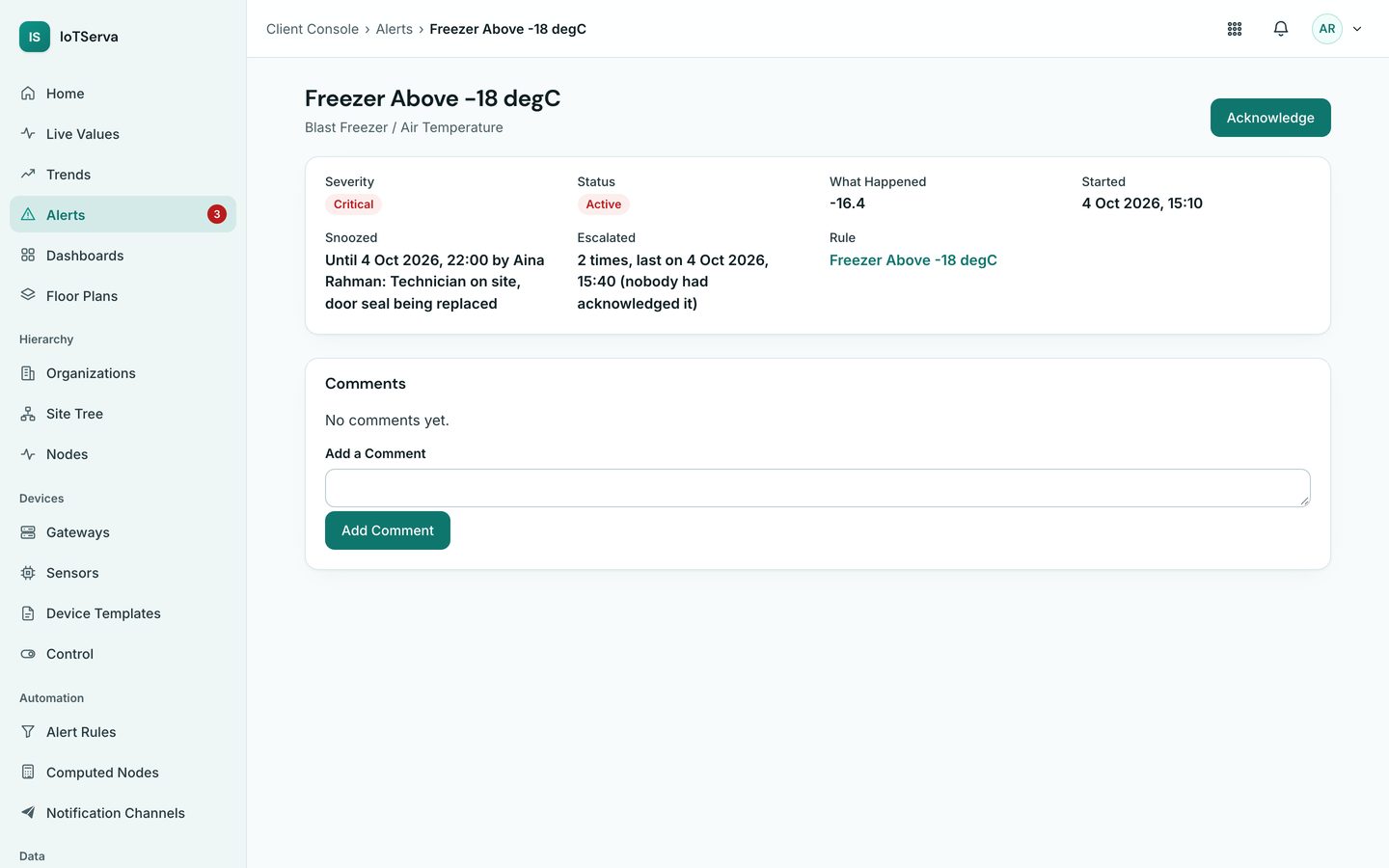
Screens from the live IoTServa software with a demo company and demo data.
Yes, where writing is allowed for that Control Point. A Rule can switch relays on, wait, then switch them off, and each command is confirmed by reading the value back.
Use Dry Run against current values, simulated values, or a replay of the last 24 hours or 7 days. Nothing is sent while testing.
IoTServa refuses a Rule that would trigger itself in a circle, limits chains to five Rules, and switches a Rule off if it exceeds its maximum runs per hour.
See VYROX Hardware or Read the Protocol Guides
Tell us which protocols are on site. We will scope a pilot that reads your real devices.